You have a flat image. The original file is long gone. There's a typo staring you in the face and all you can do is stare back.
We've all been there.
An old flyer. A graphic someone sent over as a JPEG. A poster from three years ago on a platform you don't even use anymore. You need to change one thing and you have zero options.
Until now.
What Is Canva Magic Layers?
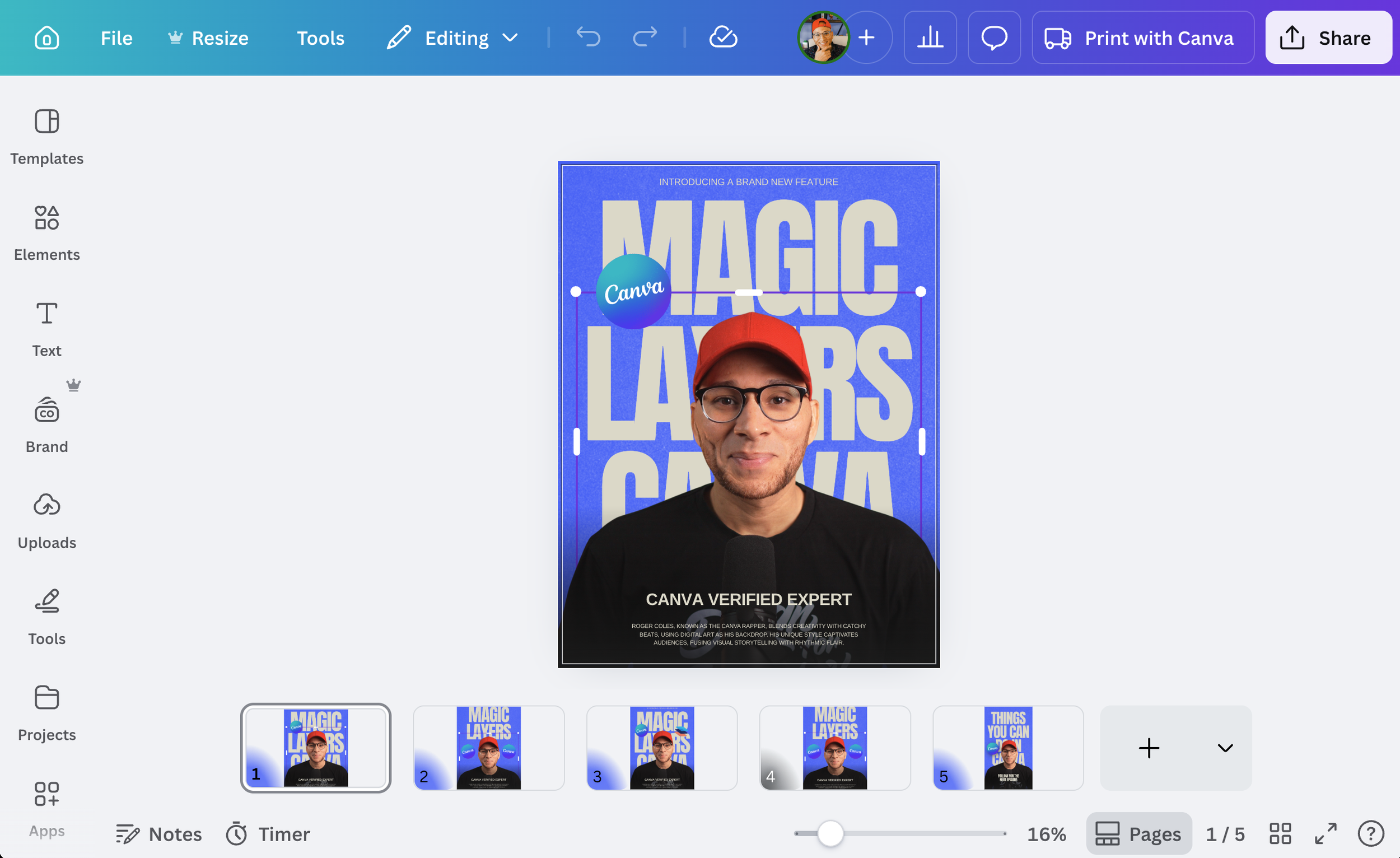
Magic Layers is a brand new Canva feature that takes any flat PNG or JPG and separates it into individual editable elements right inside the Canva editor.
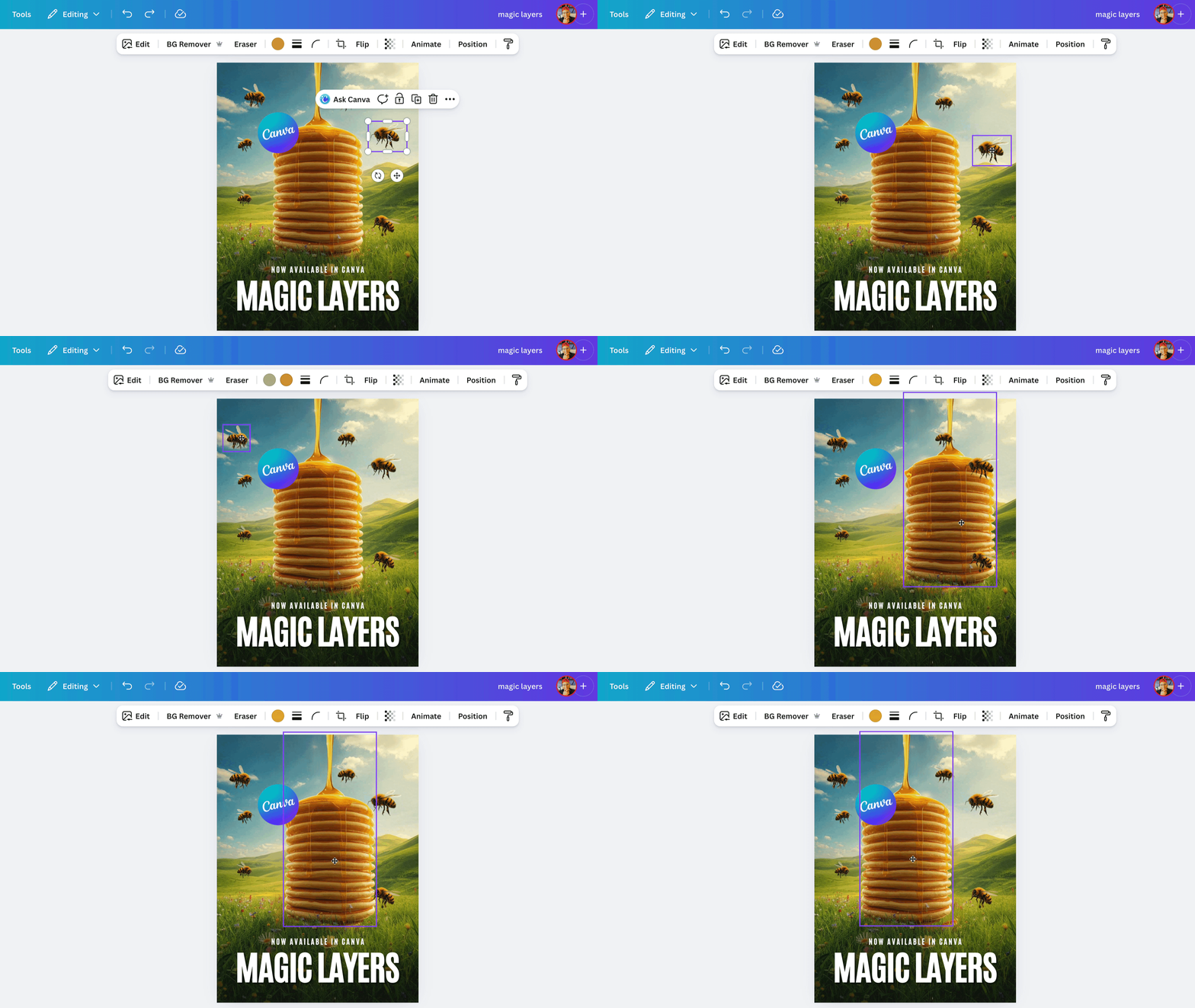
Text becomes a real, live text box you can actually edit. Objects become movable elements. The background separates out cleanly. Everything becomes its own thing you can grab, move, resize, or update.
It's not tracing shapes. It's reading the entire design and understanding what everything IS. Then rebuilding it as a working file.
Think of it like Magic Grab but for EVERYTHING. At once.
How to Use Canva Magic Layers
It's simpler than you think.
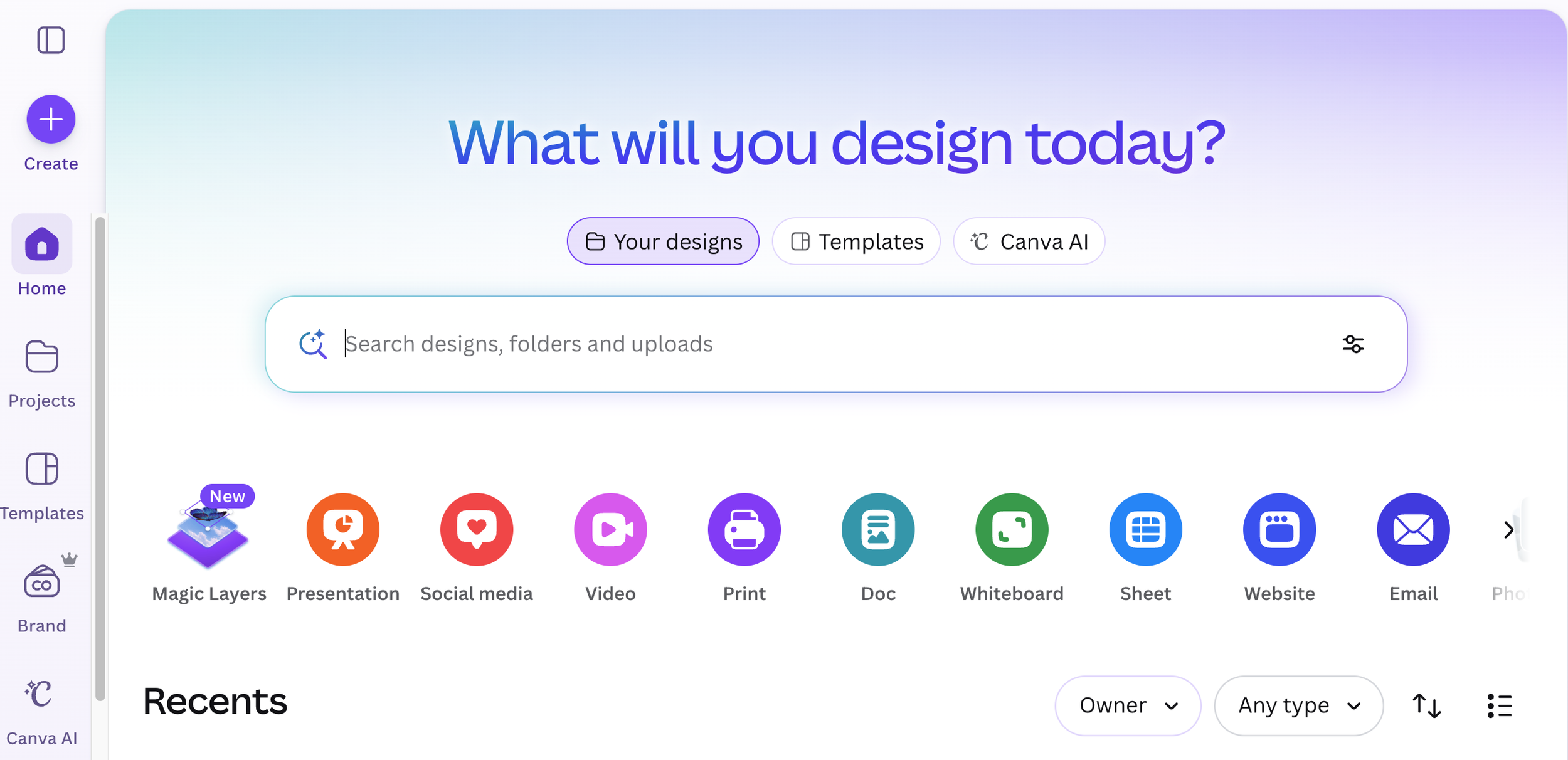
From the Canva homepage, click Magic Layers
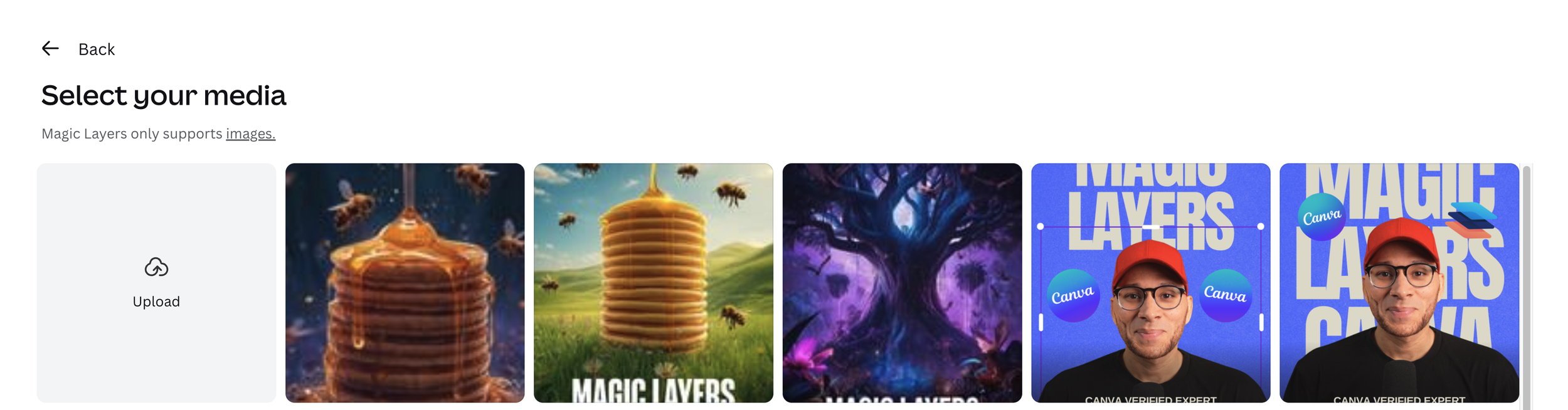
Click Select Media and upload your flat PNG or JPG
Let Canva work its magic and separate the layers
Click any element to move it, edit it, or make it yours
That's it. Easy peasy!
Who Is This For?
If you've ever had to rebuild a design from scratch because you lost the original file, this feature was made for you.
Small business owners refreshing old marketing materials. Social media managers updating campaign visuals. Anyone who has ever stared at a flat image and wished they could just move one thing.
Canva's own CPO Cameron Adams put it perfectly. People have old designs they no longer have access to. Now they can bring those images straight into Canva and start editing them.
A Few Things Worth Knowing
Magic Layers is currently in public beta. Here's what that means for you right now:
Works with PNG and JPG files only (more formats coming)
Single page images only for now
Works best with simple images, not complex images
Works best with graphics, illustrations, and designs with distinct elements
Available for Free, Pro, and NFP Plans
Available in the US, UK, Canada, and Australia
Magic Layers uses your monthly Canva AI credits. Free users get limited access. Canva Pro users get 500 credits per month which is plenty to experiment with.
The Verdict
People are calling this the greatest feature Canva has ever dropped. I’m not sure if that’s just hyperbole or genuine excitement. But it solves a real problem that every single Canva user has run into at some point.
A flat image is no longer a dead end. It's a starting point.
Go try it and let me know what old design you end up rescuing. 👀
Ready to get full access to Magic Layers and every other premium Canva feature? Grab a free 30-day Canva Pro trial and see what you've been missing.